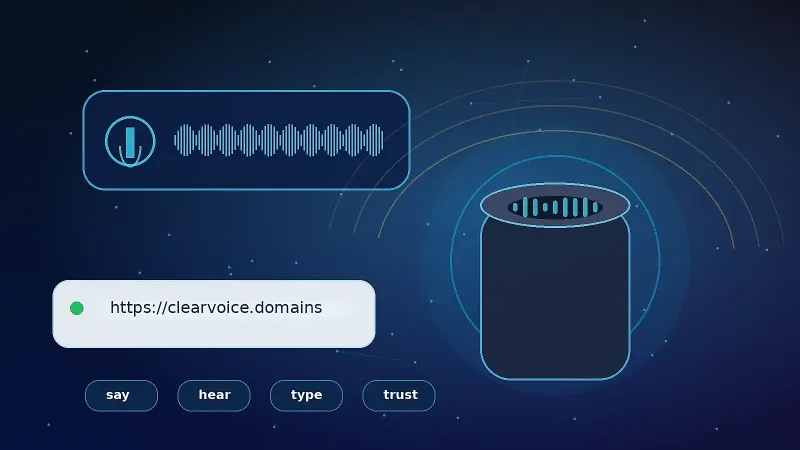
When researching a domain, stare at the screen. Type it into a search box. Say it out loud. In recent years, buyers have added a fourth step. They try speaking the web address into voice assistants.
They do this because a domain name is no longer something you only see. Your customers will also hear web addresses read out loud in podcasts, videos, phone calls, presentations, smart-speaker dialogue, and hands-free mobile searches.
Voice search marketing means phonetics matter more than they did during the desktop-first era of the web.
Remember, the assistant will not always open your website after saying its domain name. Apple’s Siri, Amazon’s Alexa, and other smart systems process hundreds of query types. Device brands, native apps, languages, and locations also influence behavior. The following advice reflects those limitations.
Choose a domain that people can say, hear, and understand without getting a spelling lesson from their device. That is the practical goal. Ensure speech-recognition systems can recognize your preferred spelling without prompting.
The Phonetic Readability Test
Rarely do domainers perform the phonetic test because they do not have to. Modified-spelling domains commonly succeed online without accounting for every way they can be misinterpreted aloud.
Some brandable names are beautiful but confusing when spoken aloud. Ask a listener to type what they heard after saying a questionable spelling. An audio-minded tester hearing Omlet (instead of O-M-L-E-T) will often type omlate.com.
Domain spellings that have confused enough listeners earn a chance to rank in organic search results despite their errors. Industry-wide trends do not reverse overnight, but branders are intentionally avoiding tricky shortcuts when a clean alternative is available.
Say it aloud. Ask five friends to type what they heard without looking at your screen. Write down the versions they enter. Compare the results.
Any domain name that yields five different spellings will trigger moments of confusion each time it is shared aloud. Not everyone asks Google when they forget how to spell a website. Many people will type the first version that comes to mind.
Speech-enabled shoppers do not care how clever your domain looks. If they cannot easily read it aloud, they incur extra friction before ever reaching your homepage.
Best practices
for smart-speaker optimization usually align with basic phonetics. Shorter
domains require fewer spoken words. Nameable domains sound more predictable
than a random consonant-vowel sequence. Branders also avoid domains ending with
questionable plurals, doubled letters, or recognizable words with multiple
common spellings.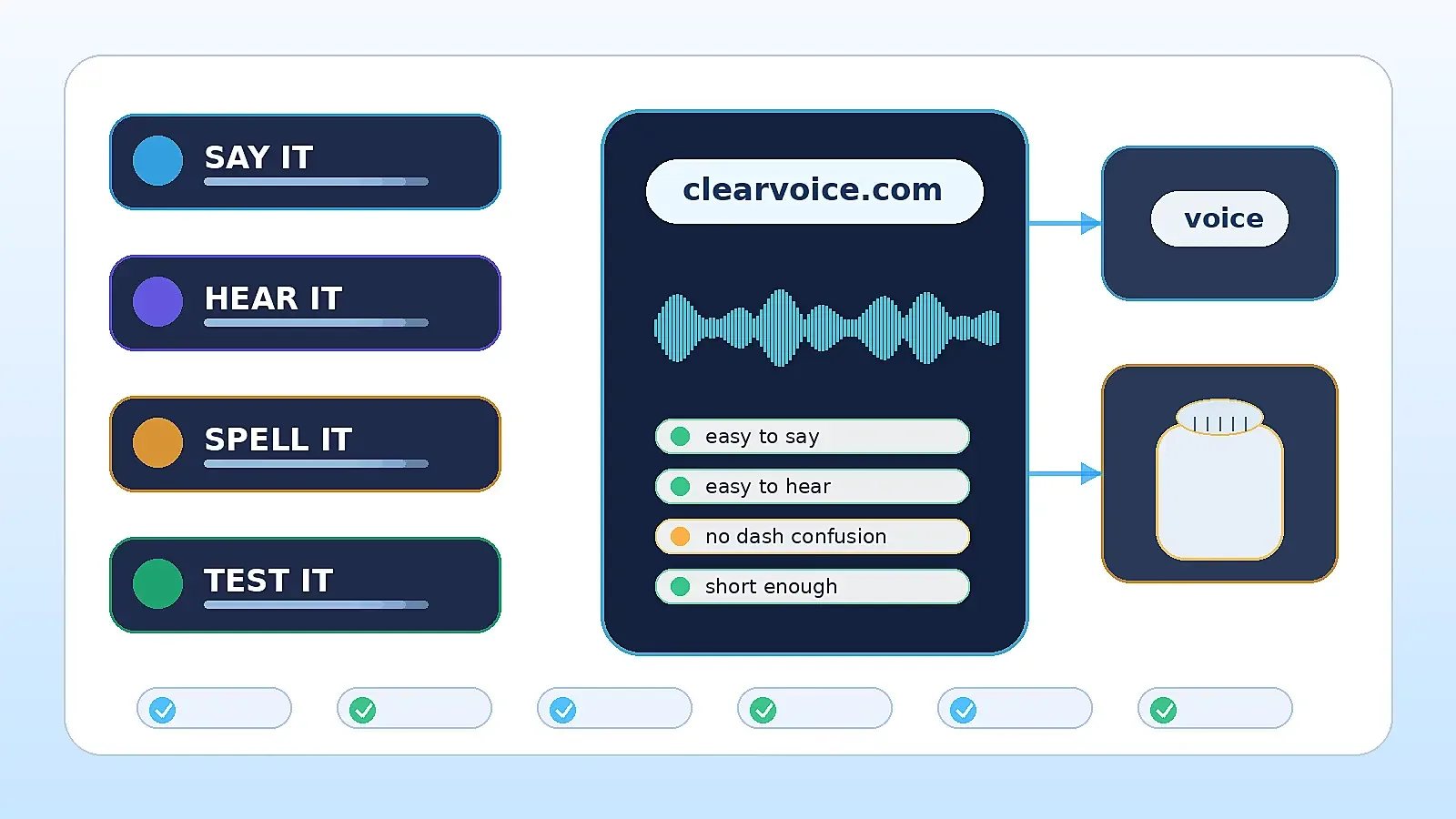
DASHES (-)
Say your full domain name aloud to a friend. Does your dictation include the word “dash”? People do not pronounce hyphens while recommending websites to friends.
An unfamiliar speaker hearing Thrive-Hackers.com will often assume you said thrivehackers.com. Speech-to-text software does the same when prompted.
Avoid dashes when audible confusion creates unnecessary risk. Numbers can be equally confusing. Saying four could mean 4, four, or Firefox depending on context. Listen to yourself.
Google lists hyphens as the “preferred way to separate words” when naming a page URL. Alexa might still pronounce that same hyphen as “dash.” Original guidance applied to URLs. Domainers have new factors to consider before entering dashes inside brand domains.
Exact Match Domains and Voice Shopping
Many business owners believe speaking “establishementinvesting.com” into Alexa proves exact match domains sound too complex to own. Google does not recommend exact-match domains for several reasons, however context matters.
Domainers choose long keyword domains because they describe services better than short brands. What happens when those keywords sound unnatural or cumbersome aloud? When customers speak like bots?
Establishmentinvesting.com tells search engines what your company does. Very few people actually say “best local plumbing services.” Consider your ideal customer. Do they sound like a machine?
Google created a specialized exact-match domain penalty to limit situations where the same keyword matches a domain’s primary purpose. Inserting dashes does not solve that issue. Do not treat voice search or digital assistants as shortcuts for overcoming exact domain problems.
Will Alexa Read my Brand Name the Same Way Siri Does?
Ask Google, and they will describe their own public assistant in ways that sound similar to Siri or Alexa. Small differences in wording suggest big companies do not know how to interpret every domain extension or spelling variation.
No definitive guide publishes every trigger word, homophone exception, or hardcoded acronym. Test popular domains before launch.
Try unique names with several devices. Does Alexa read .com the same way Siri does? What happens when you replace music.youtube.com with Music YouTube Dot com? Siri tends to strip periods and abbreviate common phrases when spoken aloud. Test weird stuff.
Consult Google’s speakable structured-data guidelines if you publish live content. Amazon might read those tags aloud during playback, but your .com will not suddenly sound better when spoken aloud. Phonetic challenges still apply.
Voice Assistant Compatibility Testing
Say it. Type it. Speak it. Here is a domain compatibility checklist to use before launch:
1. Spell it out loud and ask friends to type what they hear.
2. Avoid dashes, numbers, and unusual spellings if possible.
3. Check potential homophones and commonly misunderstood shortcuts.
4. Test with as many devices and assistants as you can.
5. Confirm your brand is not stuck between matching systems.
Did Alexa misread blue.com as Sky instead of blue dot com? Try saying the full URL.
6. Keep domains short enough to say twice and remember.
Buyers type in more than URLs these days. They also read out loud whatusedforyourcat.com and ask a device to “open” the result.
Domains work well when seen, typed into a search box, and spoken aloud. Voice assistants have not disrupted the web, but they changed how carefully we should vet new domains before buying.